EDD Email Automation helps you engage customers with personalized, automated emails — from thank‑you notes to product updates and promotional campaigns.
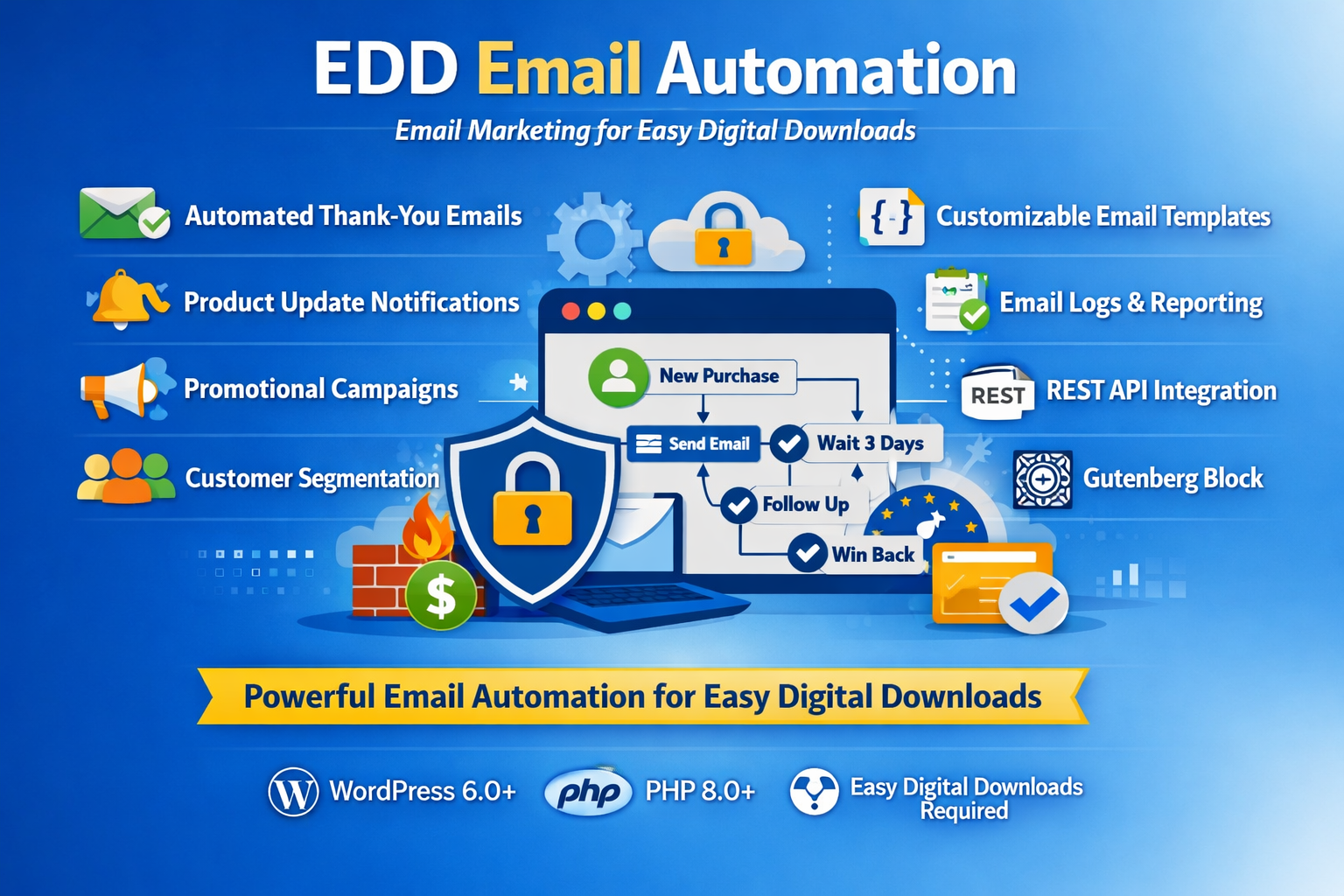
Key Features of the Plugin
Automate customer communication, marketing campaigns, and transactional emails with Easy Digital Downloads.
Instantly send personalized thank‑you messages after purchase, building trust and improving customer satisfaction.
Graphic study showing arrangement of spaces, room layouts, and activities making.
Keep customers informed when you release new versions of their purchased downloads, ensuring they always have the latest updates.
Graphic study showing arrangement of spaces, room layouts, and activities making.
Promote newly published downloads with optional announcement emails to your customer base.
Graphic study showing arrangement of spaces, room layouts, and activities making.
Create targeted marketing campaigns with subject, content, audience segment, and schedule to boost sales.
Graphic study showing arrangement of spaces, room layouts, and activities making.
Reach the right audience by segmenting customers by product, category, activity level, or purchase value.
Graphic study showing arrangement of spaces, room layouts, and activities making.
Save time with reusable templates that support placeholders like {customer_name}, {product_name}, and {download_link} for personalization.
Graphic study showing arrangement of spaces, room layouts, and activities making.
Ensure reliable delivery with a queue system that supports configurable rate limits, retries, and batch sending.
Graphic study showing arrangement of spaces, room layouts, and activities making.
Track sent, failed, opened, and clicked emails to measure campaign performance and improve engagement.
Graphic study showing arrangement of spaces, room layouts, and activities making.
Give recipients full control over their email preferences and opt‑out options to stay GDPR‑compliant.
Graphic study showing arrangement of spaces, room layouts, and activities making.
Extend functionality with endpoints for campaigns, sending, and subscriber management.
Graphic study showing arrangement of spaces, room layouts, and activities making.
Easily add an email subscription block in the WordPress editor so customers can manage preferences directly.
Graphic study showing arrangement of spaces, room layouts, and activities making.
When you release a new version of a product, the plugin can automatically notify all customers who previously purchased that download, keeping them up to date.
Emails are queued and sent in batches with configurable rate limits and retries. This prevents server overload and ensures consistent delivery.
Yes. The plugin logs sent and failed emails, and tracks opens and clicks so you can measure campaign effectiveness.
Yes. Each recipient gets a preferences page where they can manage subscriptions or unsubscribe, ensuring compliance with email regulations.
Yes. Developers can use endpoints like /wp-json/edd-email/v1/campaigns, /send, and /subscribers to integrate with external systems.
Yes. The plugin includes an EDD Email Subscription block so customers can manage preferences directly in the WordPress editor.
Upload the edd-email-automation folder to wp-content/plugins/, activate it from the WordPress admin, and configure settings under EDD Emails.
On uninstall, the plugin removes options, drops its database tables, and clears scheduled cron jobs to ensure a clean removal.
Yes. The plugin provides hooks like edd_email_automation_segment_emails and filters like edd_email_automation_queue_batch_size for customization.